Home / Blogs / How to Verify a Used CNC Machine Before You Buy

How to Verify a Used CNC Machine Before You Buy

Buying a used CNC machine is a significant investment. Before committing your budget, you need to know whether the machine being advertised is the machine you will receive, whether the seller is authorized to sell it, and whether its condition matches the description.

A professional listing or attractive price cannot answer every question. Knowing how to verify a used CNC machine before you buy helps you make a more informed decision and reduce avoidable purchasing risks.

Use the following checklist before placing a deposit or arranging delivery.
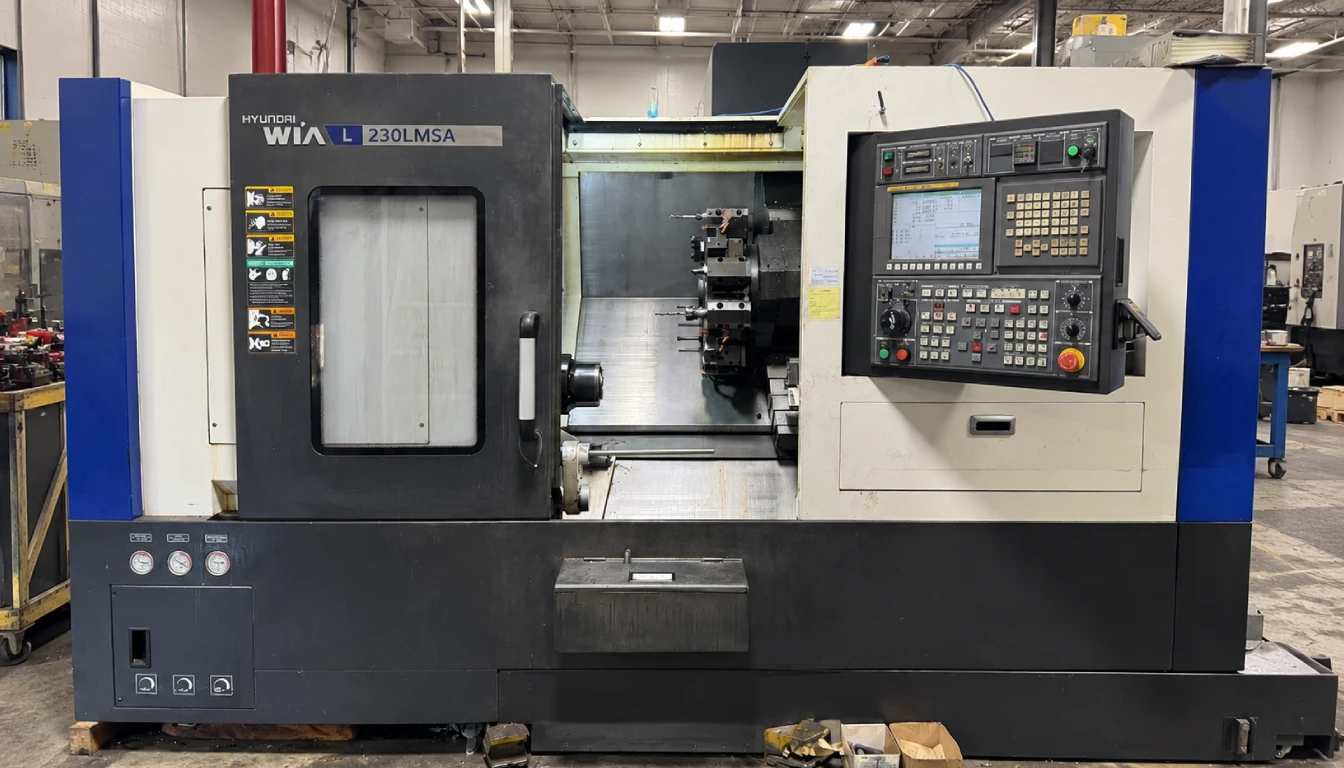
How to verify a used CNC machine before buying

1. Confirm the Machine’s Identity

Start by verifying the exact machine being offered.

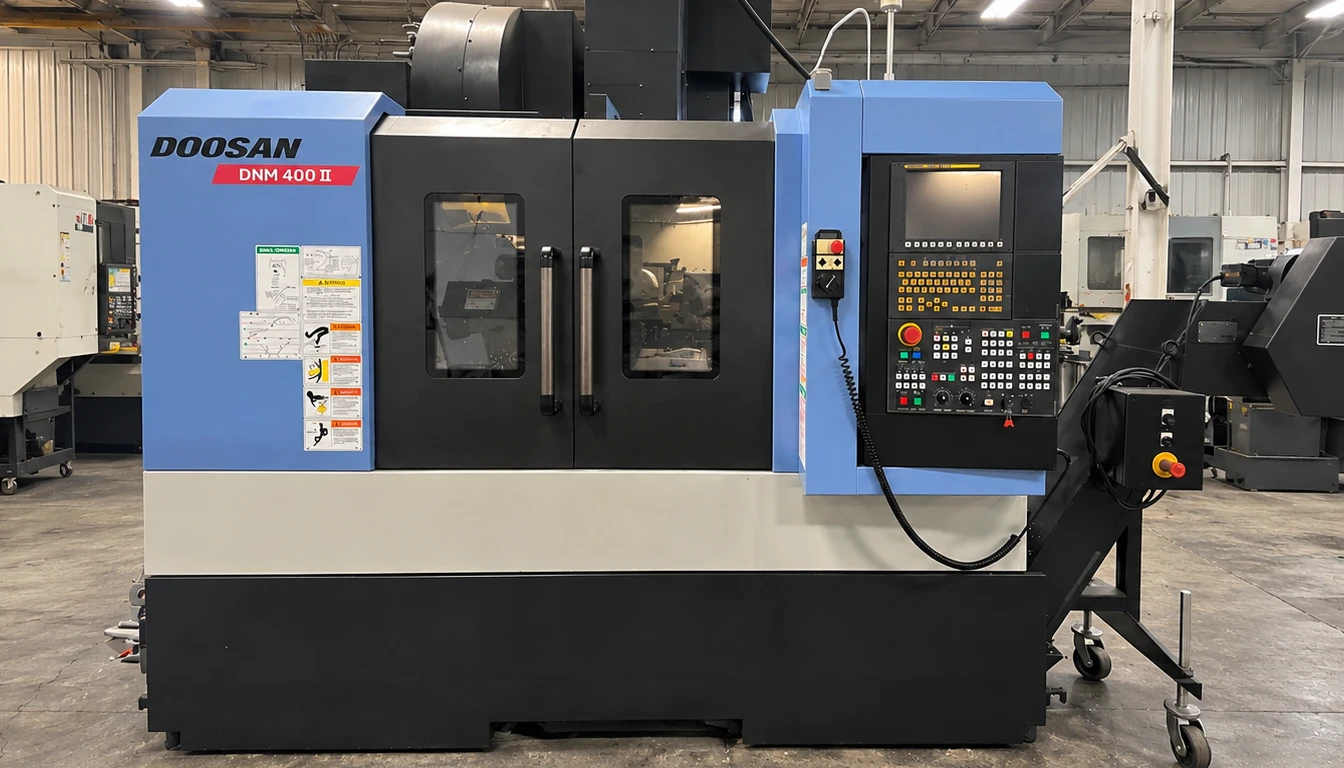
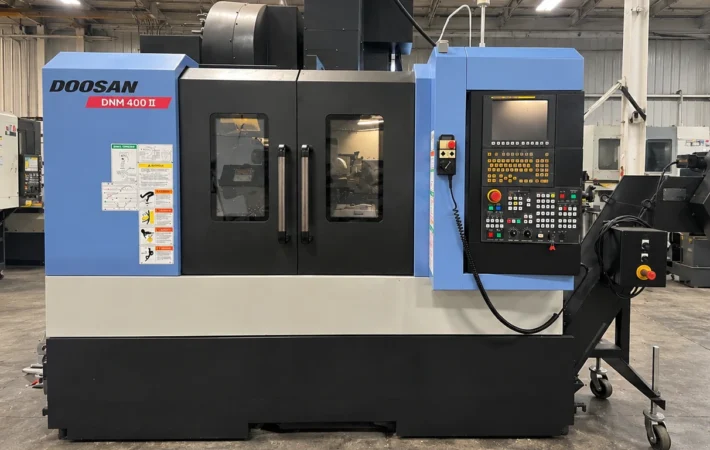
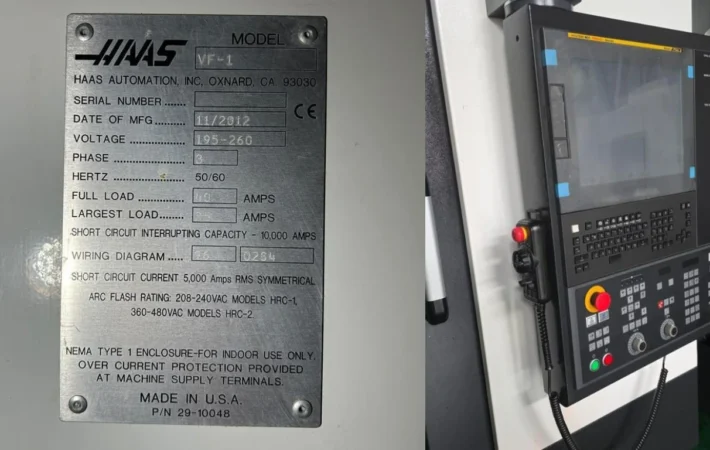
Request the manufacturer, model, year if available, serial number or identification details, control system, and configuration. Compare this information with the listing, photographs, and quotation.

Also check key specifications relevant to your application, such as work envelope, spindle speed, tool capacity, axis configuration, and included accessories.

Two machines can share the same make and model while having different options or conditions. Make sure the specifications describe the specific machine you intend to purchase.

2. Verify Ownership and the Seller’s Authority

Ask who owns the machine and who is authorized to complete the sale.

Some dealers sell equipment they own, while brokers or consignment sellers may represent another owner. These arrangements can both be legitimate, but the seller’s role should be clear.

Confirm the legal entity named on the quotation, purchase agreement, invoice, and payment instructions. If another party owns the machine or will receive payment, ask how that party is connected to the transaction and request appropriate documentation.

For more context, read our supporting article, Owner vs. Broker: What Used CNC Buyers Should Know once its final URL is published.

3. Confirm the Machine’s Physical Location

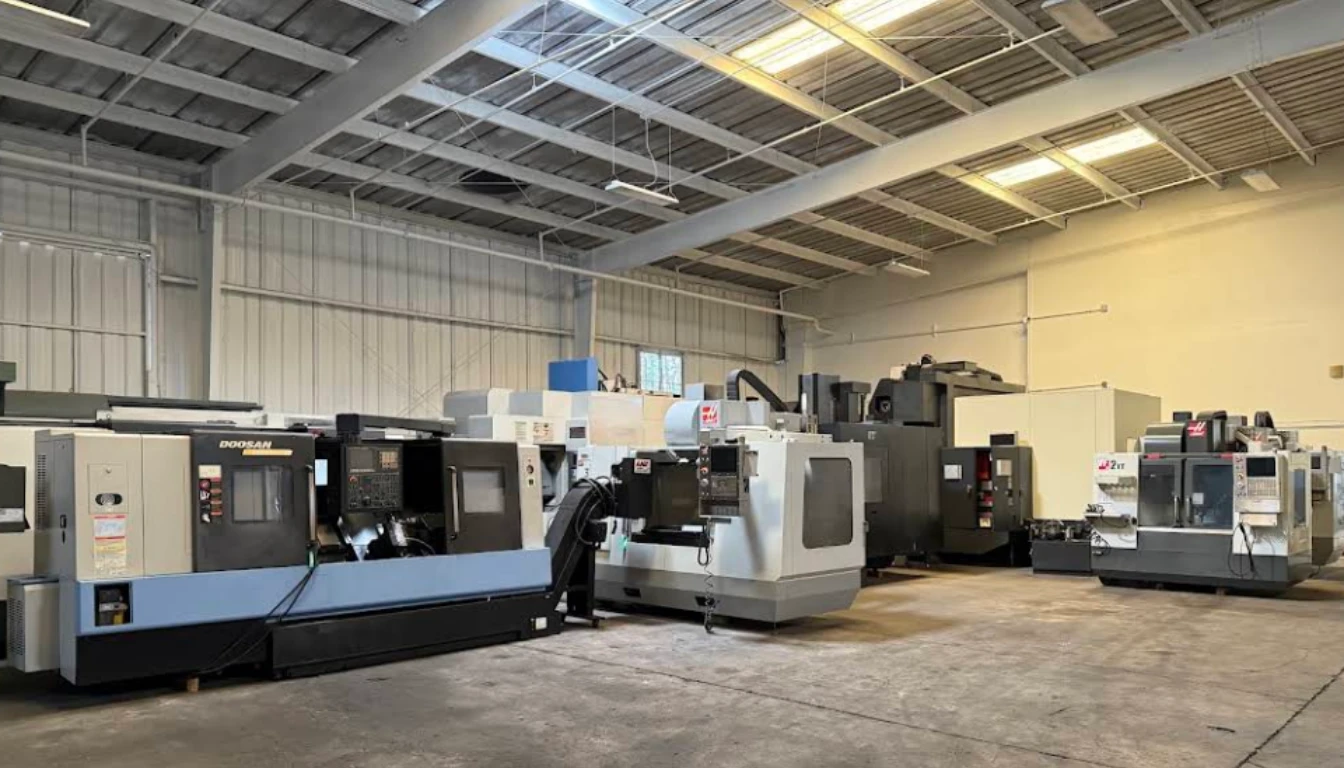
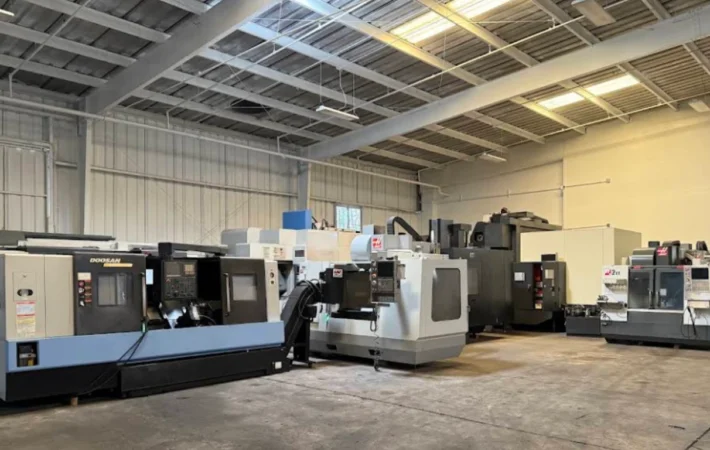
Ask where the machine is currently located and whether it can be inspected.

Whenever practical, arrange an in-person inspection or a live video walkthrough. Request recent photographs showing the entire machine, identification plate, control panel, work area, and included accessories.

If the equipment is stored at another facility, clarify who controls access and who will coordinate the inspection.

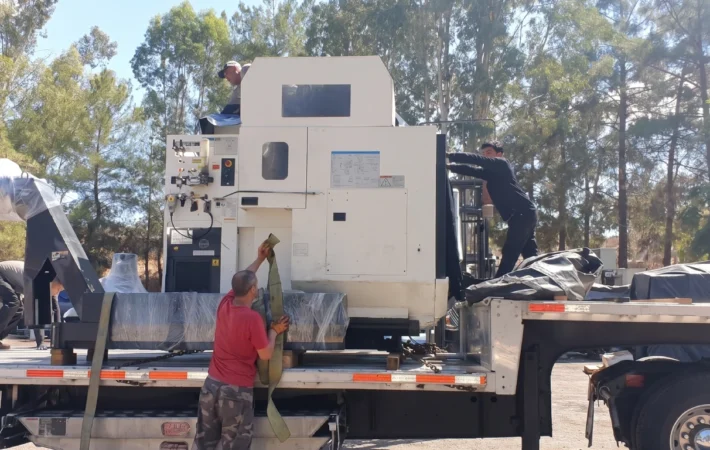
A location confirmation also helps you plan transportation, loading, and delivery.

4. Review Operating Hours and Maintenance History

Operating hours can provide useful context, but they should not be treated as a complete measure of machine condition.

Ask which hour readings are available, such as power-on, cutting, or spindle hours, and confirm what the control actually records. Review service records, previous repairs, maintenance documentation, and known faults where available.

Compare the information with the machine’s overall condition. A lower hour reading alone does not guarantee better performance.

Read Used CNC Machine Operating Hours: What Do They Really Tell You? for a deeper explanation.

5. Check the Control System and Machine Functions

Confirm the CNC control manufacturer, model, software version where relevant, and any important options or compatibility requirements.

During an inspection, ask a qualified technician to evaluate the machine’s condition and demonstrate relevant functions when safe and feasible. Depending on the machine, this may include axis movement, spindle operation, tool changer, coolant system, alarms, and control functions.

Do not assume that a powered-on machine is fully operational or production-ready. Some faults only become apparent during a proper functional inspection.

Our guide to Used CNC Machine Control Systems explains additional points buyers should consider.

6. Inspect Tooling, Accessories, and Included Equipment

Confirm what is included in the sale rather than relying only on photographs.

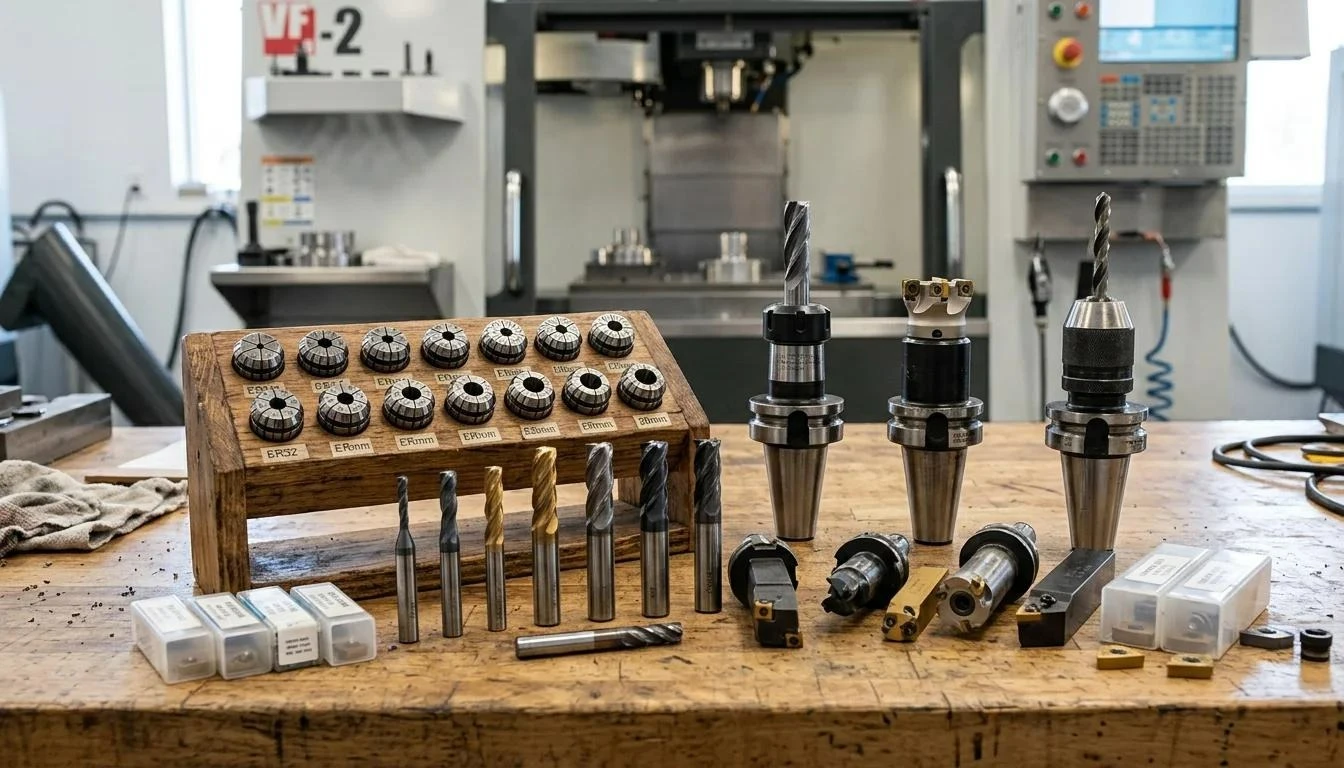
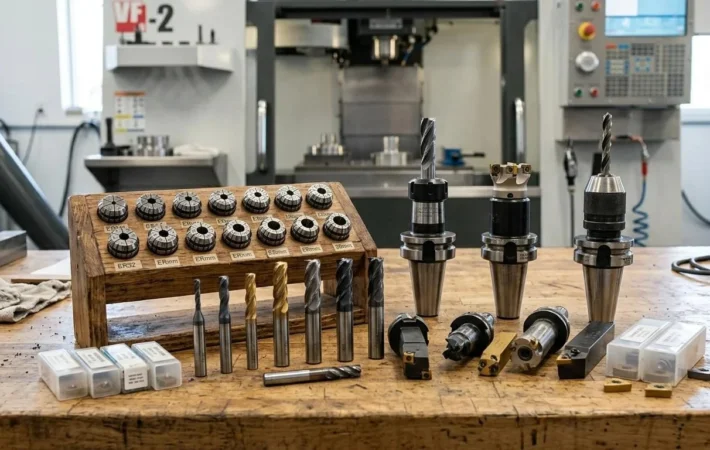
Request a written list of applicable items, such as tool holders, chuck, collets, probes, manuals, chip conveyor, coolant equipment, and other accessories.

Inspect these items where possible and clarify whether anything shown in the listing is excluded. Missing tooling or accessories can add to your total acquisition cost.

7. Check the Total Cost Before Committing

The asking price is only one part of the investment.

Estimate shipping, rigging, unloading, installation, electrical preparation, tooling, repairs, and setup costs. Confirm which expenses are included in the quotation and which are your responsibility.

Use our guide on How to Calculate the Total Cost of Buying a Used CNC Machine to build a more complete budget.

8. Verify the Documents Before Payment

Before wiring money, review the written quotation or purchase agreement. Confirm the machine identity, price, condition representations, included equipment, payment schedule, delivery terms, and any applicable warranty or as-is provisions.

Independently verify payment instructions, especially if bank details change or the beneficiary differs from the documented seller. Do not send funds while important discrepancies remain unresolved.

For a detailed payment checklist, see 10 Questions to Ask Before Wiring Money for a Used CNC Machine once that article’s final URL is available.

Buy With Greater Confidence

Verifying a used CNC machine involves more than checking its photos or advertised specifications. Confirm the machine’s identity, ownership or seller authority, location, condition, operating history, included equipment, and written transaction terms.

MachineStation buyers can visit the MachineStation Owned Inventory page to understand its stated inventory ownership approach, browse Used CNC Machines, or contact MachineStation with questions about a specific listing.

The best time to resolve questions about a used CNC machine is before you commit your money—not after delivery.

FAQs:

1. How can I verify a used CNC machine before buying?

Confirm its make, model, identification details, specifications, physical location, condition, operating hours, maintenance history, and seller’s authority. Arrange an in-person or qualified technical inspection when possible.

Ask who owns the machine and who is authorized to sell it. Review the seller’s documentation and ensure the purchase agreement and payment instructions clearly identify the parties involved.

No. Operating hours should be considered alongside maintenance records, previous repairs, machine condition, control information, and inspection results.

Whenever practical, inspect the machine or arrange an independent technical inspection before committing funds. If an inspection is not possible, understand the limitations and obtain clear written representations and transaction terms.

Review the quotation or purchase agreement, machine specifications, included accessories, condition representations, payment instructions, and delivery terms. Request supporting ownership or selling-authority documentation where appropriate.

Back to Top
Select Language
Product has been added to your cart
Max · MachineStation
Looking for a machine? I can check live inventory for you. 👋