Home / Blogs / Used CNC Machine Control Systems: What Buyers Need to Know

Used CNC Machine Control Systems: What Buyers Need to Know

When buying a used CNC machine, buyers often focus on spindle speed, axis travel, table size, and machine price. But one important component deserves equal attention: the CNC control system.

The control is the interface that allows operators to program, operate, and manage the machine’s movements and machining functions. Its configuration can affect how the machine fits into your existing production workflow.

A used CNC machine may have the right specifications, but if its control system is unfamiliar, incompatible with your programming process, or difficult to support, it may create challenges after purchase.

Understanding used CNC machine control systems can help you ask the right questions and evaluate equipment more carefully.
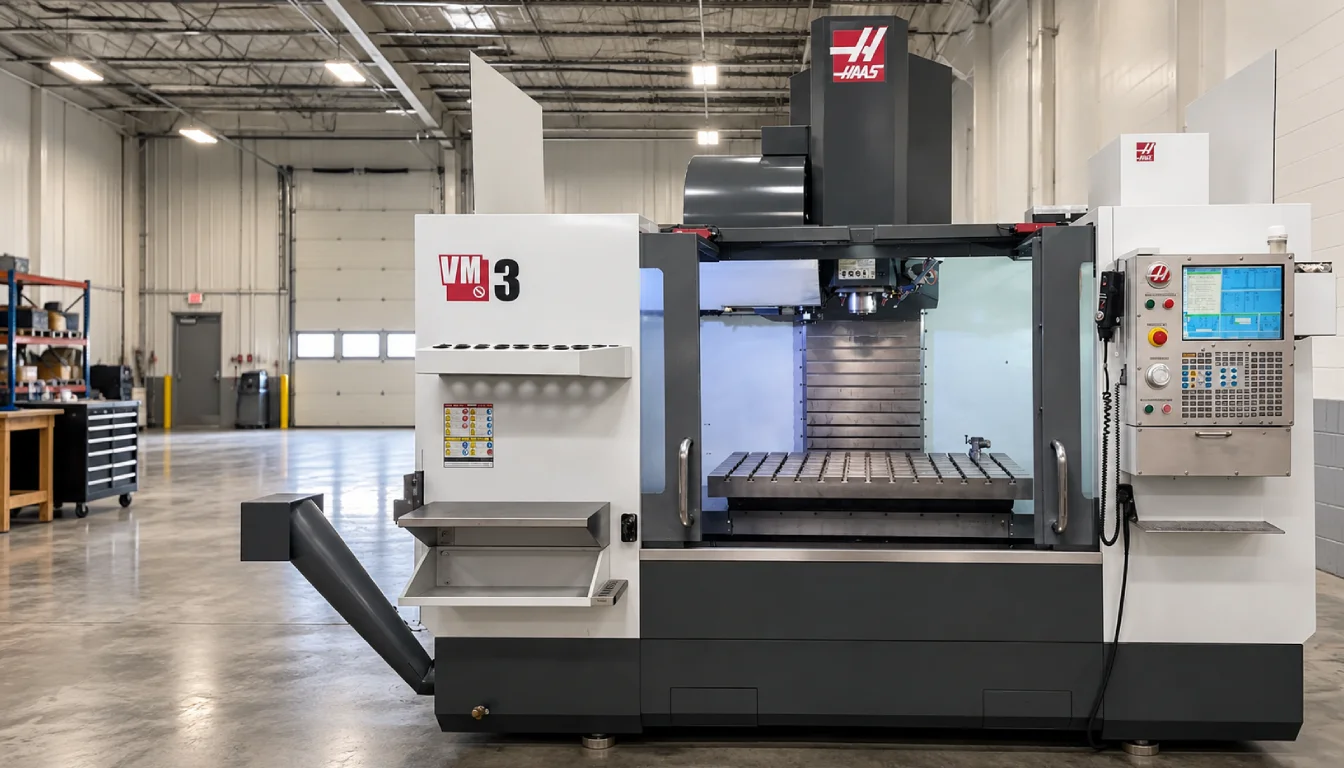
What Is a CNC Control System?

A CNC control system, sometimes called a CNC controller, manages the machine’s movements based on programmed instructions.

It works with the machine’s electrical and mechanical systems to control operations such as:

  • Axis movement
  • Spindle operation
  • Feed rates
  • Tool changes
  • Coolant functions
  • Machine positioning
  • Other programmed operations

The exact capabilities depend on the machine type, control model, software, and installed configuration.

For buyers, the important point is that the control is not just a screen or interface. It is a central part of how the machine is operated.

Why Does the Control Matter When Buying a Used CNC Machine?

The control system can influence how easily a machine fits into your shop’s workflow.

For example, your team may already be familiar with a particular control interface or programming process. A different control may require additional training or adjustments to your existing workflow.

Important considerations include:

  • Operator familiarity
  • Programming compatibility
  • Available functions
  • Program transfer methods
  • Connectivity
  • Service and support
  • Current operational condition

The right control system depends on your shop’s requirements—not simply on how new or advanced it appears.

1. Identify the Exact CNC Control Model

One of the first things to check is the exact control manufacturer and model installed on the machine.

A machine listing may identify the control brand, but buyers should look for more specific information where available.

Review:

  • Control manufacturer
  • Control model
  • Software or control version, where available
  • Machine-specific configuration
  • Installed options
  • Available documentation

Different versions of a control may have different features, interfaces, and capabilities.

Do not assume that every machine using the same control brand has the same configuration.

2. Check Programming and Compatibility

Before purchasing a used CNC machine, consider how it will fit into your current programming workflow.

Questions to consider include:

  • Can your existing programs be used with the control?
  • Does the control support the programming methods your shop uses?
  • Will programs need to be modified or post-processed differently?
  • Can the machine communicate with your existing systems?
  • Are manuals or programming references available?

Compatibility depends on the machine, control, software, and your specific workflow.

If your shop uses CAM software, confirm that the machine’s control and post-processor requirements can be supported before making a purchase.

3. Review the Control’s Condition

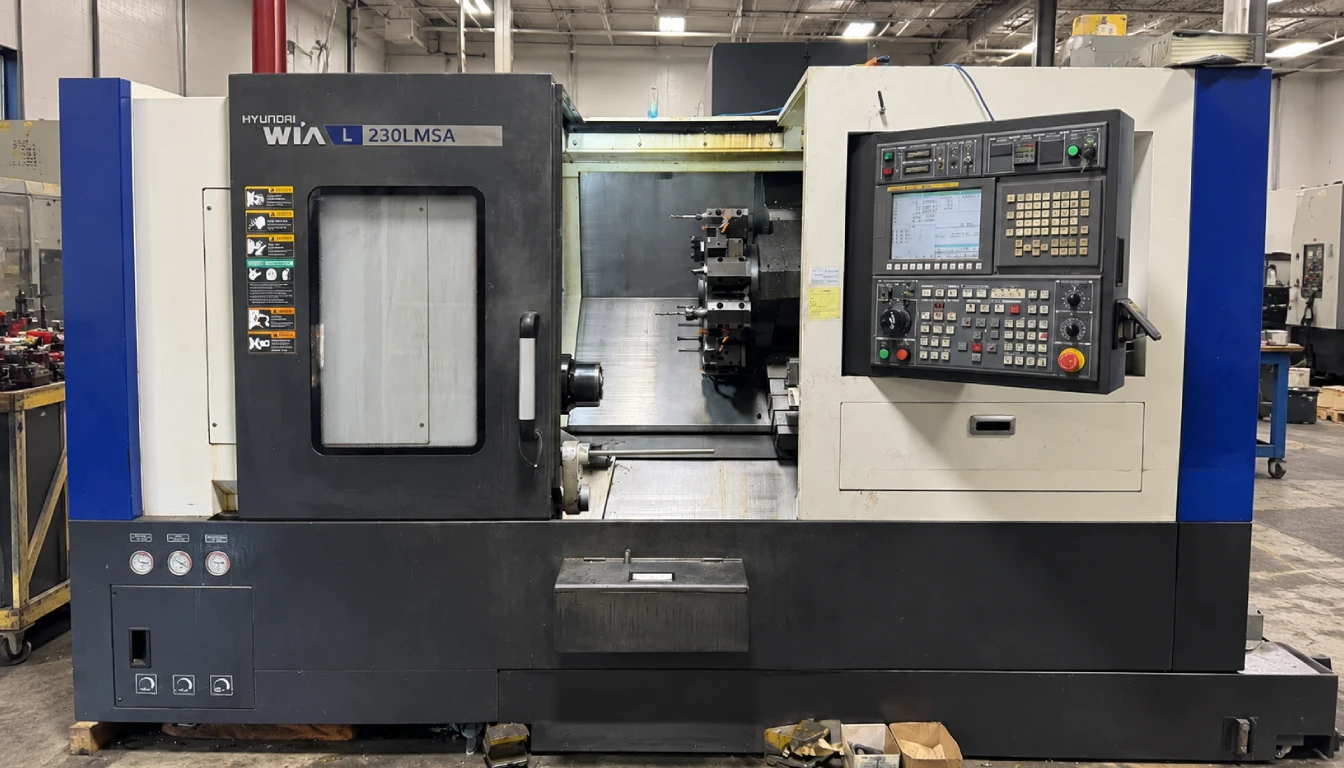
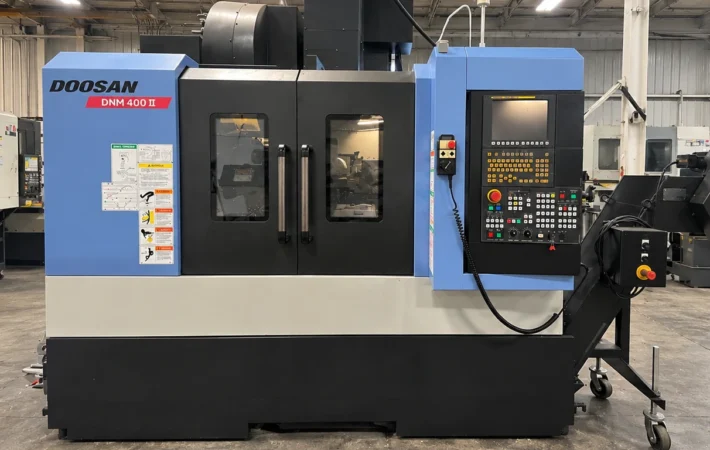
A listed CNC controller model does not automatically confirm that the control is in good working condition.

When evaluating a used machine, ask about:

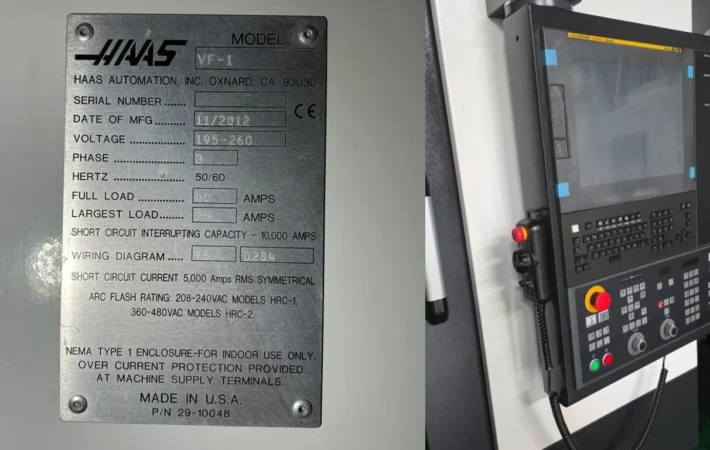
  • Display condition
  • Keypad or operator-panel condition
  • Control operation
  • Error messages or alarms
  • Program loading and transfer
  • Communication ports
  • Known electrical issues
  • Available service history

If inspection information, videos, or operational demonstrations are available, they may help provide a clearer understanding of the control’s condition.

The control should be evaluated as part of the complete machine—not as an isolated specification.

4. Understand Connectivity and Program Transfer

Modern manufacturing workflows often require transferring programs between a computer, network, or other production systems and the CNC machine.

Depending on the control and machine configuration, program transfer may involve:

  • USB
  • Ethernet
  • Serial communication
  • DNC systems
  • Other communication methods

The available options vary by control model and machine setup.

Before purchasing, confirm how programs can be transferred and whether the method is compatible with your shop’s existing equipment.

A control with a familiar communication method may help simplify integration, but the actual configuration should always be verified.

5. Consider Operator Training and Usability

A CNC control system should also be evaluated from the operator’s perspective.

If your team already knows a particular control, purchasing a machine with a familiar interface may reduce the need for extensive training.

However, a different control is not necessarily unsuitable. The important questions are:

  • Is the interface familiar to your operators?
  • Are programming manuals available?
  • Is training required?
  • Can your team access technical support if needed?
  • Does the control provide the functions required for your work?

Usability is especially important when adding a used machine to an established production environment.

6. Review Control-Related Support and Serviceability

Support availability is an important consideration when evaluating used CNC controls.

Depending on the age and model of the control, buyers may want to understand:

  • Whether documentation is available
  • Whether service support can be obtained
  • Whether replacement components are available
  • Whether qualified technicians can work on the system
  • Whether the control has known limitations

This does not mean an older control is automatically a poor choice. It means buyers should understand the support considerations before purchasing.

A machine’s control system should fit both your production needs and your ability to operate and maintain it.

7. Check the Control Alongside the Machine’s Other Specifications

The control is only one part of a CNC machine’s overall configuration.

When evaluating a used machine, review it alongside:

  • Axis travel
  • Table size
  • Spindle speed and power
  • Spindle taper
  • Tool changer capacity
  • Machine hours
  • Maintenance history
  • Installed options
  • Current condition

For example, a machine may have a suitable CNC controller but still lack the spindle capacity, work envelope, or tooling required for your application.

The control should support the machine’s capabilities and your production requirements.

Questions to Ask Before Buying a Used CNC Machine Control

Before purchasing, consider asking the seller or dealer:

  1. What exact CNC control model is installed?
  2. What software or control version is available, if documented?
  3. Is the control currently operational?
  4. Are there any known alarms or control-related issues?
  5. Are programming manuals available?
  6. How are programs transferred to the machine?
  7. Is the control compatible with your programming workflow?
  8. Are maintenance or service records available?
  9. Are additional control options installed?
  10. Can operational information or a demonstration be provided?

These questions can help you understand the control system beyond its name or model number.

Summary

A used CNC machine control system can have a significant impact on how a machine fits into your production workflow.

When evaluating a used CNC controller, look beyond the control brand. Review its exact model, compatibility, programming process, connectivity, condition, and support considerations.

The best purchasing decision combines control information with the machine’s specifications, maintenance history, and current condition.

If you are exploring used CNC machinery, review the control details of each machine carefully and ask questions about its configuration before making a purchase.

Explore MachineStation’s available used CNC machines to find equipment that may fit your production requirements.

FAQs:

1. What is a CNC control system?

A CNC control system, or CNC controller, manages a machine’s movements and machining functions based on programmed instructions.

The control can affect programming, operator familiarity, program compatibility, connectivity, available functions, and serviceability.

Review the exact control model, software version where available, current condition, programming compatibility, connectivity, documentation, and service support.

It may, but compatibility depends on the control, machine configuration, software, and post-processor requirements. Confirm these details before purchasing.

Older controls may still be suitable for certain applications. Buyers should evaluate their condition, capabilities, support availability, and compatibility with the shop’s requirements.

Back to Top
Select Language
Product has been added to your cart
Max · MachineStation
Looking for a machine? I can check live inventory for you. 👋